A reliable workflow for consolidating case files, deliveries, and document bundles
How to Merge PDF Batches Without Losing Order or Context
A practical process for combining several files into one final PDF while preserving logical sequence, reading context, and strict quality control.
Merging several PDFs sounds simple until the final result has to respect a precise order, preserve reading context, and serve as the official version of a case file or delivery. As soon as any of those conditions matters, the task stops being mechanical and becomes documentary work. It is not enough to drag files together at random. You need to decide what comes first, what needs separation, which covers should remain, and how you will verify afterward that the combined package still makes sense from start to finish. When several departments contribute documents or the material was collected at different times, it is easy to end up with a PDF that is technically complete but confusing for the reader. That is why merging should be treated as an editorial closeout: the goal is a reading flow without abrupt jumps, duplicates, or misplaced pieces.
Preparation begins outside the tool. Before merging anything, gather every candidate file into a temporary working folder and remove obvious duplicates, outdated versions, and drafts that do not belong in the final package. If some files still raise doubts, set them aside instead of leaving them mixed with approved material. This early filtering keeps the merge phase from turning into a stream of improvised decisions. It is also the right moment to check whether all PDFs truly belong to the same documentary set. Sometimes teams try to close a file by combining pieces that share a theme but not a purpose. A strong bundle follows a recognizable narrative: introduction, development, annexes, and close; or request, response, evidence, and support. If the collection has no common logic, the first job is to build one.
Order should be decided explicitly, never inherited from how files happen to appear on the desktop. You can arrange by date, administrative hierarchy, reader journey, or operational sequence. What matters is that the rule is visible and defensible. Internal case files often work best when they move from general to specific. Client deliveries usually benefit from a cover, an executive summary, and then the technical detail. Evidentiary bundles often depend on chronology. Whatever rule you choose, write it down before you begin so it does not change halfway through the work. Once the rule is clear, each document finds its place and anyone else on the team can review the bundle without relying on the memory of the person who assembled it.
File naming plays a major role in preserving order. If the source folder contains labels such as "final", "new", "good version", or "scan 2", rename the files before you merge them. A stable numeric prefix followed by a short description makes visual review much easier and reduces mistakes during reordering. Titles do not need to be long. They only need to reveal the role of the document inside the full set, such as "02-executive-summary" or "07-signed-annex". This step looks administrative, but in practice it is quality control. A bundle built from clearly named files is quicker to review, easier to rearrange, and far less vulnerable to interpretation errors. If you later need to rebuild the final PDF or produce a variant, a disciplined folder will save time immediately.
Before you merge, review every document as an individual piece. Check whether all pages have the right orientation, whether blank pages are intentional or accidental, whether a cover page is being repeated unnecessarily, and whether footers change language, version, or numbering unexpectedly. Mixed bundles also deserve a look at page sizes, margins, and scan quality. Merging does not correct these issues. It only consolidates them. The more consistent the pieces are before they enter the final stack, the more professional the result will look. If a source file is problematic, it is usually better to correct or replace it first. The worst moment to discover a mismatch is after the combined PDF has already been distributed and someone finds a rotated page or a duplicated section in the middle of a supposedly closed package.
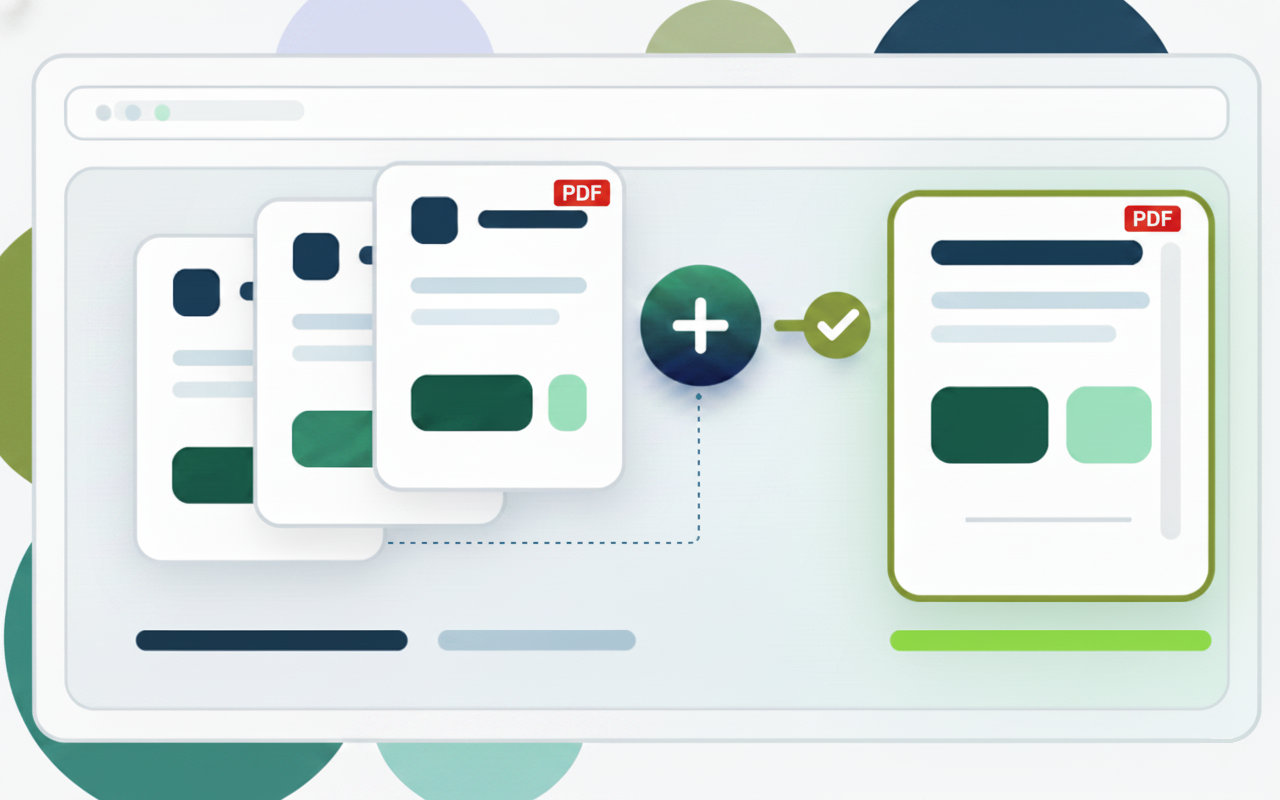
Once the batch is clean and ordered, open the PDF merger and add the files in exactly the sequence you defined. Do not use the tool to decide order; use it to execute order. That distinction matters because it turns the merge into a controlled operation. As you add each file, confirm that the running list still matches your plan and that no provisional version has slipped in. If the package is large, work in blocks and visually confirm the sequence after each major section. This habit drastically reduces accidental drag errors or insertions in the wrong place. It also helps you detect missing interstitial covers, inverted annexes, or documents that never made it into the stack. Merging produces better outcomes when the tool supports a documentary rule instead of trying to invent one.
After the combined PDF is generated, review it from the perspective of the final reader. Move from the first page to the last and pay attention to the transitions between pieces. Is there continuity? Does it make sense why one section follows another? Are there abrupt jumps, duplicated covers, or internal numbering shifts that feel wrong? If the package will circulate externally, the first impression matters even more: the cover should be correct, the opening pages should align with the purpose of the delivery, and appendices should appear where people expect them. In some cases it is worth checking the table of contents too, if one exists. The objective is not merely to produce a complete PDF. The objective is to produce a combined document that reads like a planned package rather than a pile of files glued together without thought.
The most sensitive batches often mix different kinds of material: digitally generated documents, scans, certificates, signed letters, exported reports, and technical appendices. In those situations the final quality improves when you accept that not every part should be treated identically. Sometimes a separator page or a short cover between blocks is useful; in other cases it is enough to strengthen the order and naming of the source files. What matters is protecting context. If the reader cannot tell where one part ends and another begins, the final PDF loses value even when it is complete. It also helps to think ahead to future navigation. Someone opening the file three months from now will probably not remember how it was built. The document therefore needs to explain itself through order and structure alone.
Version management is another professional layer. Once you have the final PDF, keep the source folder or at least a list of the files used to build that version. That way, if you need to add an appendix tomorrow, replace a page, or prepare a variant for another audience, you will not have to reconstruct the process from scratch. This small record also protects the team from needless disputes about what was included and in which order. In workflows that change often, it is extremely useful to add a date or version identifier to the final file name. The convention does not need to be complex. It only needs to be consistent. Traceability is not bureaucracy; it is time saved when reality forces you back into a bundle that previously seemed closed.
The most common PDF merge mistakes always look familiar. The first is trusting the operating system’s alphabetical order as if it were a documentary rule. The second is combining versions before cleaning them up. The third is skipping final review because every document already looked fine on its own. From there come the secondary failures: annexes out of place, duplicated covers, conflicting internal numbering, and packages that nobody knows how to update without starting over. Avoiding these problems does not require complex tools. It requires discipline. Filter, order, name, merge, and review. That sequence is the base of almost every strong result. If one of those steps is skipped, the final PDF may still open and circulate, but it stops being a dependable working document or a credible formal delivery.
A good combined PDF does more than gather pages. It creates a clear reading path. That is why it is worth investing a few extra minutes before export. The final reader does not see your folder, your doubts, or your failed attempts. They only see the document you hand over. If it is ordered, coherent, and easy to navigate, it communicates care and competence. If it was assembled in a rush, it communicates the opposite. Turning PDF merging into a stable workflow improves the quality of the result and also the confidence with which you share it, because you know exactly how it was built and what each section contains.
Over time this method makes even complex batches much easier to close. You learn to spot quickly which pieces do not belong, which ones must stay together, and where the reader will need extra context. That accumulated judgment is more valuable than any shortcut because it turns an apparently administrative task into a robust documentary practice. And when the final package truly matters, that robustness is visible.