Reduce file size without wrecking readability
Professional PDF Compression for Email, Sharing, and Lighter Storage
A practical workflow for shrinking PDFs enough to send and store comfortably while keeping text, structure, and page clarity under control.
PDF compression sounds simple until you actually need the result to travel well by email, upload quickly in a browser form, and still look clean enough to read on a laptop or phone. That is where most casual workflows break down. They chase the smallest possible file, flatten the document too aggressively, and turn normal pages into muddy screenshots. A better approach starts by asking what the file is for. If the PDF is headed to an inbox, a CRM, a shared drive, or a procurement portal, the goal is not zero megabytes. The goal is a lighter file that still feels trustworthy when somebody opens it two minutes later and needs to read it without friction.
The first useful distinction is between structural savings and visual savings. Structural savings come from cleaning the PDF container itself: duplicate objects, bloated internal streams, inefficient object storage, and unnecessary metadata. Visual savings usually come from the heavier part of the file: embedded images, scans, screenshots, and page artwork that carry far more data than the reader actually needs. Professional compression tries to reduce both, but in the right order. If a document already has clean text layers and efficient vectors, you should preserve them. If the weight comes from oversized scans or decorative images, that is where compression should work harder.
This is why a preset ladder matters. A balanced preset should be safe enough for day to day sharing: smaller files, readable text, and pages that still feel like documents rather than exports. A stronger preset can push harder on images for large scanned reports, manuals, or appendix heavy files that need to move fast between teams. The maximum preset exists for the cases where delivery speed matters more than visual finesse, such as email attachments, quick submissions, or handoff copies. What makes these presets useful is not just that they exist, but that they create predictable tradeoffs instead of a mysterious one click gamble.
Before compressing anything, inspect the source quickly. If the file is mostly selectable text and simple diagrams, the savings may be modest because the PDF is already efficient. If it is a scan exported at high resolution, the win can be dramatic. If it mixes text, charts, screenshots, signatures, and annexes, expect uneven results from page to page. That is normal. Compression is not a magic percentage applied evenly to every document. It is closer to document triage. You identify where the weight lives, apply the right amount of pressure, and then judge the output by the needs of the next reader rather than by the most flattering number in a size comparison.
A disciplined workflow also protects you from false success. It is easy to celebrate a huge drop in megabytes and notice too late that page labels became fuzzy, fine print turned tiring, or diagrams lost contrast. The right habit is to review a few representative pages after every run: a text heavy page, an image heavy page, a table, and any annex with tiny details. If those survive well, the rest of the file usually follows. If they do not, step back one preset. Compression should feel deliberate, not heroic. The best result is often the lightest file that still looks uneventful, because uneventful is exactly what readers want from a document they need to trust.
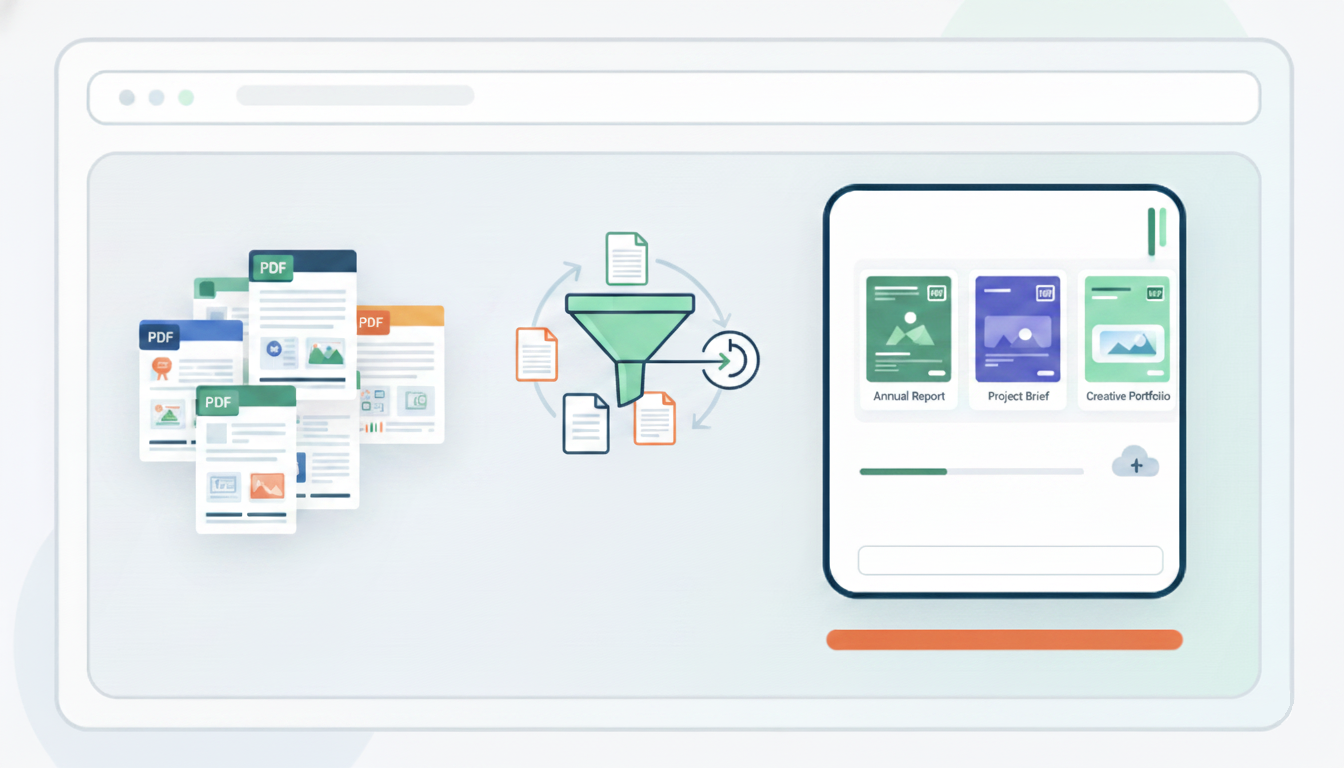
When the file is ready, use the right tool for the job instead of forcing the document through a generic export. Open the PDF compression tool and choose the preset that matches the real delivery context. For routine collaboration, balanced is usually enough. For bulky reports that still need comfortable on screen reading, strong tends to be the better compromise. For copies that simply have to move quickly and fit tight upload limits, maximum is the right pressure point. The key is that you are deciding intentionally which quality tradeoff is acceptable, instead of letting an opaque service decide it for you.
This matters even more when privacy is part of the requirement. Many teams compress PDFs because they are preparing contracts, HR packets, legal bundles, technical submissions, or financial packs. Those are precisely the documents that should not be sprayed across third party tools unless there is a clear reason and policy behind it. A local browser workflow changes the risk profile. You are not just saving size; you are keeping the preparation step closer to the device and reducing the number of places where a sensitive file travels before it reaches its final destination. For many organizations, that is not a minor preference. It is part of the standard of care.
Compression also works best when it is part of a broader document hygiene routine. Remove duplicate appendices before exporting. Merge only the sections you actually need. Split oversized bundles if the audience will only read one chapter. Recheck whether screenshots could be cropped earlier in the process. These upstream decisions often save more weight than a harsher preset would, and they do so without harming readability. In other words, professional compression is not only about the last click. It is about sending a cleaner document because the document itself is cleaner.
Another useful operational rule is to treat unchanged results as valid outcomes, not failures. Some PDFs are already well optimized. If the file barely moves, that can mean the document was efficient to begin with. A good compressor should tell you that honestly instead of rebuilding the file just to produce a download. That kind of restraint is valuable because it prevents pointless recompression cycles that waste time, degrade quality, or create version clutter with no practical gain. Sometimes the most professional result is to leave the file alone and focus on distribution or document structure instead.
If you keep compression tied to delivery context, review a few critical pages, and choose presets with intention, PDF size stops being a frustrating guessing game. It becomes another controlled part of document preparation. The end result is straightforward: lighter files that upload faster, send more easily, and still look credible when somebody opens them. That combination is what most teams actually need. Not the tiniest possible PDF, but the smallest one that still behaves like a document people can work with.